Compatible with SAP  ·  IBM Maximo  ·  Oracle ERP  ·  Hexagon EAM  ·  Infor  ·  Any CMMS — Review data requirements →
Diagnostic Scenarios

Illustrative diagnostic scenarios for buyer evaluation.

These pages show how Industrial IQ evaluates exported operational data. They use sample scenarios only, not customer data, customer claims, guaranteed savings, or named case studies.

4Illustrative scenarios
No customer dataSample structure only
Read-onlyNo ERP write-back
Executive takeaway

Executive decision brief

Industrial IQ Diagnostic: Use this decision brief to connect the operating question, available source data, evidence expected, review boundary, and next Industrial IQ action. Review illustrative Industrial IQ diagnostic scenarios for duplicate MRO records, inventory exposure, procurement leakage, and ERP data readiness without ERP.

Run Industrial IQ Snapshot
Who should use itThe buyer or operating owner responsible for the risk described on this page.
Data requiredOperational CSV exports, item master fields, inventory, procurement, asset, work-order, finance, readiness, or governance data depending on the page.
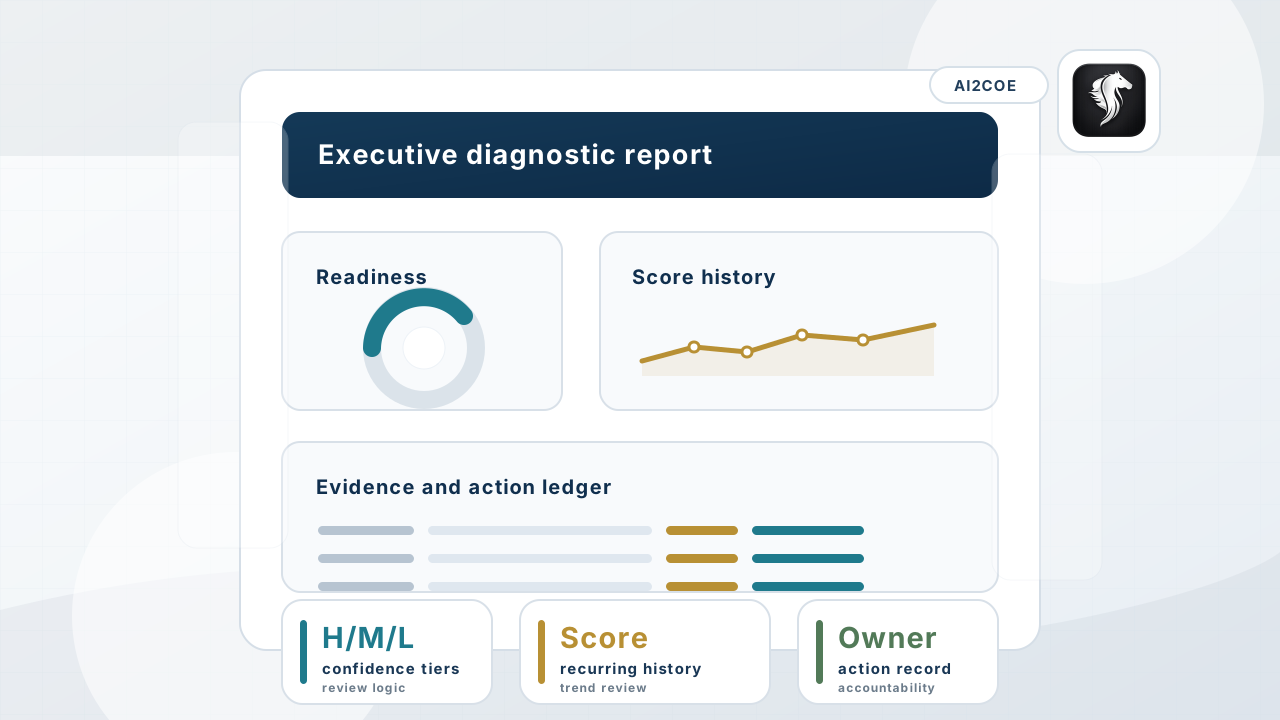
Output producedSource-backed evidence, scores, confidence tiers, report outputs, action tracking, score history, and governance context.
Best next stepRun Industrial IQ Snapshot and select the diagnostic engine that matches the operating question.
Enterprise trust posture

Proof controls buyers expect before they upload operational data.

Source purge Uploaded source files are purged after report generation; summary metrics and Open Findings remain.
No ERP write-back The diagnostic creates evidence for review. It never changes, deletes, merges, or overwrites ERP records.
Local currency Reports display money in the user's selected or country-derived currency, while USD remains the base audit calculation.
Audit trail Report ownership, access, quota, and feedback events are retained for governed review.
Session downloads Excel, Word, PDF, and CSV downloads are available only in the active generation session.
Open Findings Browser findings remain available without retaining the original source catalog rows.
Evidence boundary

Use scenarios to evaluate the diagnostic method, not as customer proof.

Each scenario shows the data inputs, diagnostic checks, example findings, buyer roles, recommended actions, and relevant engines. Live diagnostics replace these examples with uploaded-data evidence.

Trust boundary: No ERP write-back. Source files purged after report generation. Human review before action. Summary metrics and audit metadata may be retained for governance.
Scenario library

Non-fabricated proof assets for buyer committees.

AI2COE Copilot