Compatible with SAP  ·  IBM Maximo  ·  Oracle ERP  ·  Hexagon EAM  ·  Infor  ·  Any CMMS — Review data requirements →
Illustrative Diagnostic Scenario

Illustrative Diagnostic Scenario: MRO Inventory Exposure

A non-customer illustrative scenario showing how Industrial IQ separates dead stock, excess stock, false-stockout risk, and carrying-cost review.

Sample onlyNo customer data
Evidence modelData to action
Read-onlyNo ERP write-back
Executive takeaway

Executive decision brief

Illustrative Diagnostic Scenario: MRO: Use this decision brief to connect the operating question, available source data, evidence expected, review boundary, and next Industrial IQ action. A non-customer illustrative scenario showing how Industrial IQ separates dead stock, excess stock, false-stockout risk, and carrying-cost review.

Run Industrial IQ Snapshot
Who should use itThe buyer or operating owner responsible for the risk described on this page.
Data requiredOperational CSV exports, item master fields, inventory, procurement, asset, work-order, finance, readiness, or governance data depending on the page.
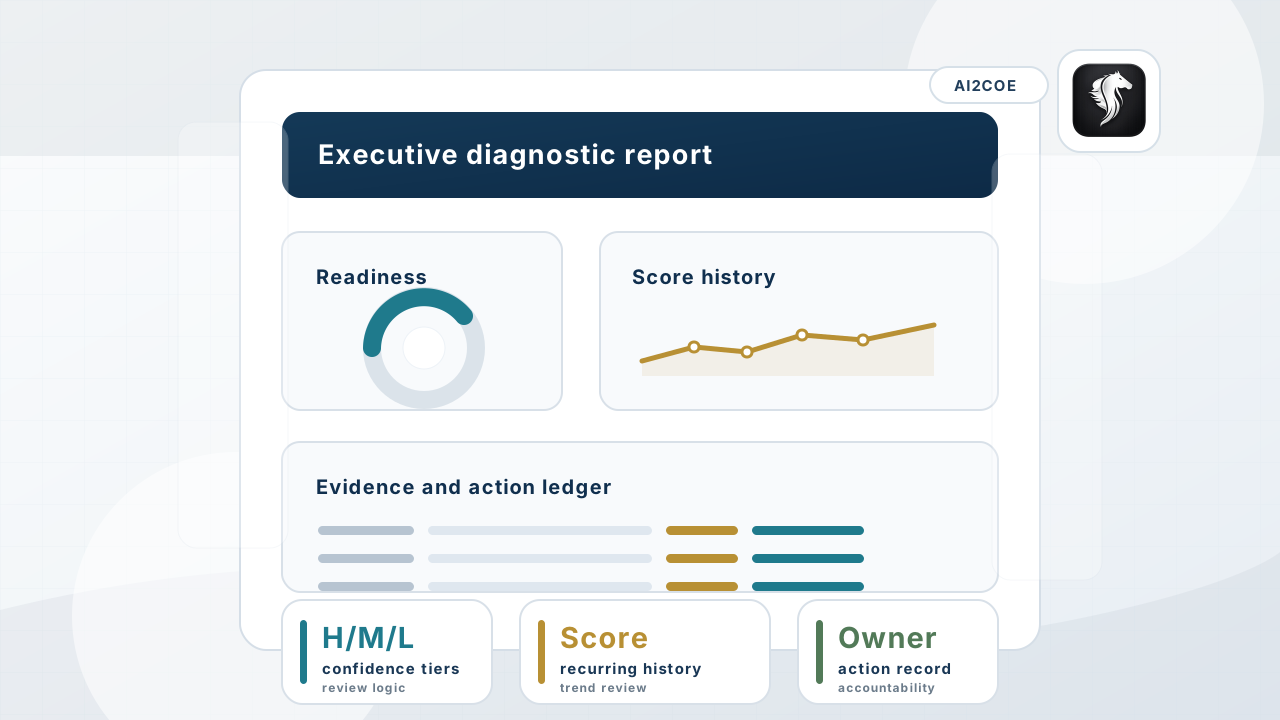
Output producedSource-backed evidence, scores, confidence tiers, report outputs, action tracking, score history, and governance context.
Best next stepRun Industrial IQ Snapshot and select the diagnostic engine that matches the operating question.
Situation

What the buyer is trying to understand.

A finance and operations team needs to know whether inventory reduction is safe before changing min-max or stocking policies.

CFOCOOMaterialsMaintenance
Scenario boundary: Illustrative structure only. Live reports require uploaded operational data and human review before action.
Uploaded data

Exports used in the scenario.

inventory balancestock valuelast movement dateannual usagelead timecriticalityitem master
Diagnostic checks
  • dead stock segmentation
  • slow-moving and excess coverage review
  • critical spare exception labeling
  • false-stockout context
  • carrying-cost assumption register
Example findings

Sample findings and interpretation.

FindingIllustrative interpretation
Dead-stock candidate No issue activity for multiple periods, but asset coverage is missing.
Critical exception Low movement item is tied to a high-criticality asset and excluded from simple reduction.
Duplicate-stock exposure Equivalent records split quantity and demand history across sites.
Risk interpretation

Why this scenario matters.

Inventory exposure decisions can cut the wrong stock unless duplicate, critical, and obsolete signals are separated first.

Relevant engines
InventoryMind AIFinanceMind AIReliabilityMind AI
Recommended actions
  • review dead-stock candidates
  • protect critical exceptions
  • route carrying-cost assumptions to finance
Trust boundary

No ERP write-back. Source files purged after report generation. Human review before action. Summary metrics and audit metadata may be retained for governance.

Scenario FAQ 01

Is this a customer case study?

No. It is an illustrative diagnostic scenario for buyer evaluation and does not use customer data or customer claims.

Scenario FAQ 02

What happens in a live diagnostic?

Industrial IQ replaces sample findings with uploaded-data evidence, confidence tiers, scores, reports, and action ownership.

Scenario FAQ 03

Does Industrial IQ write back to ERP?

No. It produces evidence for human review and does not change ERP, EAM, CMMS, procurement, inventory, or maintenance systems.

AI2COE Copilot