Compatible with SAP  ·  IBM Maximo  ·  Oracle ERP  ·  Hexagon EAM  ·  Infor  ·  Any CMMS — Run an Industrial IQ diagnostic →
Industrial IQ User Manual

Screenshot walkthrough and sample-report guide

A screenshot-based AI2COE Industrial IQ user manual showing how buyers use the portal, inspect product pages, review sample reports, validate mobile layout, and understand trust boundaries before uploading private data.

Executive answer

Industrial Iq Documentation

Industrial IQ User Manual: This documentation page helps evaluators understand the exact workflow, data requirements, outputs, trust controls, and next action for Industrial IQ adoption. A screenshot-based AI2COE Industrial IQ user manual showing how buyers use the portal, inspect product pages, review sample reports, validate mobile layout.

View Required Fields
Who should use itEnterprise evaluators, implementation teams, product champions, and technical reviewers
Data requiredThe documented data files, required fields, optional fields, mapping rules, assumptions, and report artifacts.
Output producedA practical adoption guide that explains how Industrial IQ is used, what it produces, and how recurring value is created.
Recommended next actionReview required fields, then start with a sample or uploaded-data Industrial IQ Snapshot.
Screenshot-based user manual

Use screenshots to understand the portal before a private upload.

This manual converts approved public UI captures into a practical walkthrough. It helps a buyer, internal champion, implementation partner, or investor understand where to start, which page to use, what proof to inspect, and what action to take next.

Publication boundary: these screenshots show public AI2COE pages and synthetic sample assets. They do not contain customer data, customer logos, private reports, or customer-specific results.

Recommended handling: use this page as the public user manual; keep the original evidence bundle internal for QA, legal review, and release traceability.

Manual governance

Public assets, sample outputs, and refresh rules.

Last reviewed2026-06-07
Asset typeApproved public screenshots, synthetic sample reports, and public sample-report links.
Data boundaryNo customer data, customer names, customer logos, private reports, production credentials, or customer-specific claims.
Refresh triggerRefresh after navigation, dashboard, pricing, documentation, upload-flow, trust-language, or report-output changes.
External approval ruleAuthenticated report screenshots, customer evidence, and customer outcomes require legal, security, and customer approval before publication.
How to use Industrial IQ

Six-step buyer workflow.

StepActionWhat the user should understand
1Start at the platform promiseUse the home page to understand Industrial IQ, the eight engines, no ERP write-back, and the first CTA.
2Choose a diagnostic pathUse Platform, Diagnostic Engines, or the guided selector to choose the engine aligned to the buyer's operating problem.
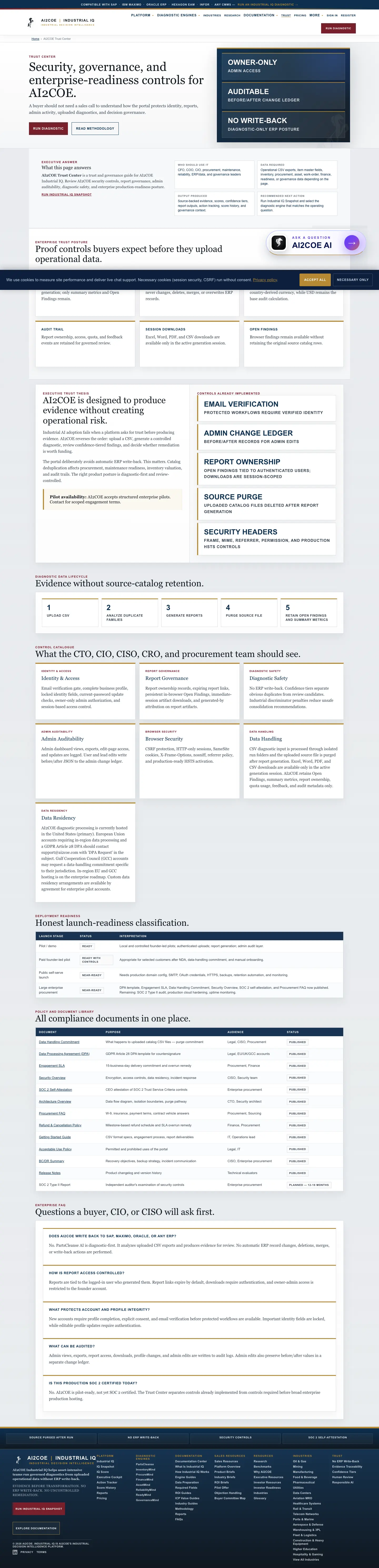
3Review documentation before uploadUse engine docs, required fields, data preparation, sample datasets, ROI methodology, and trust controls before private data is shared.
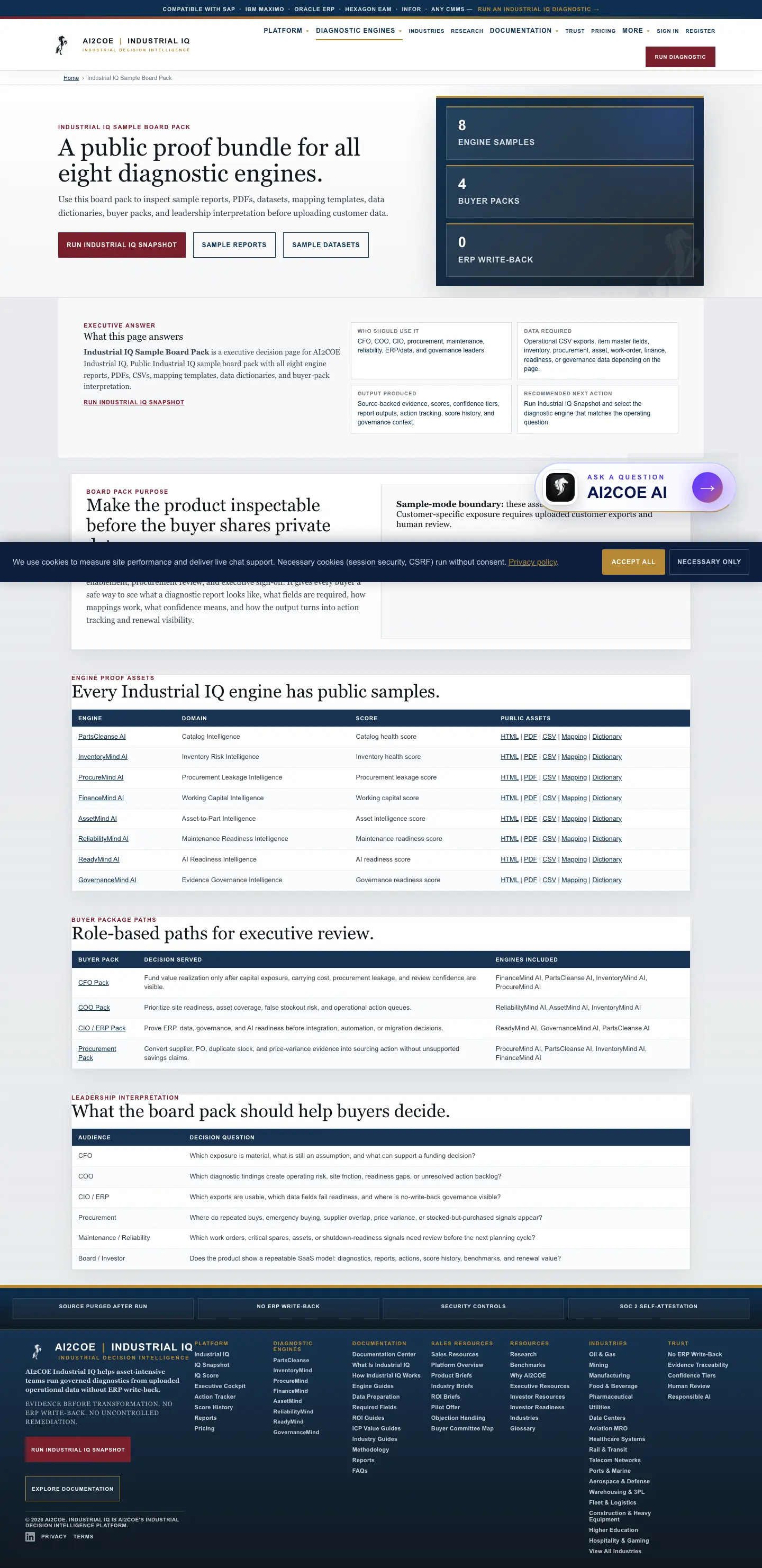
4Inspect samplesUse sample reports, sample PDFs, sample board pack, and data dictionaries to understand output format and evidence boundaries.
5Run or request a diagnosticUpload source data only after the team understands required fields, confidence tiers, report outputs, and human-review boundaries.
6Use reports for internal actionShare executive reports, evidence tables, action trackers, score history, and renewal value context with the right buyer committee.
Core portal walkthrough

Public screenshot guide for the main buyer journey.

Engine walkthrough

Every product page has a visual reference.

Mobile validation

Use the mobile captures to confirm buyer readability on phones.

Sample report downloads

Manual copies of sample PDFs for all eight engines.

Sample PDF

PartsCleanse AI

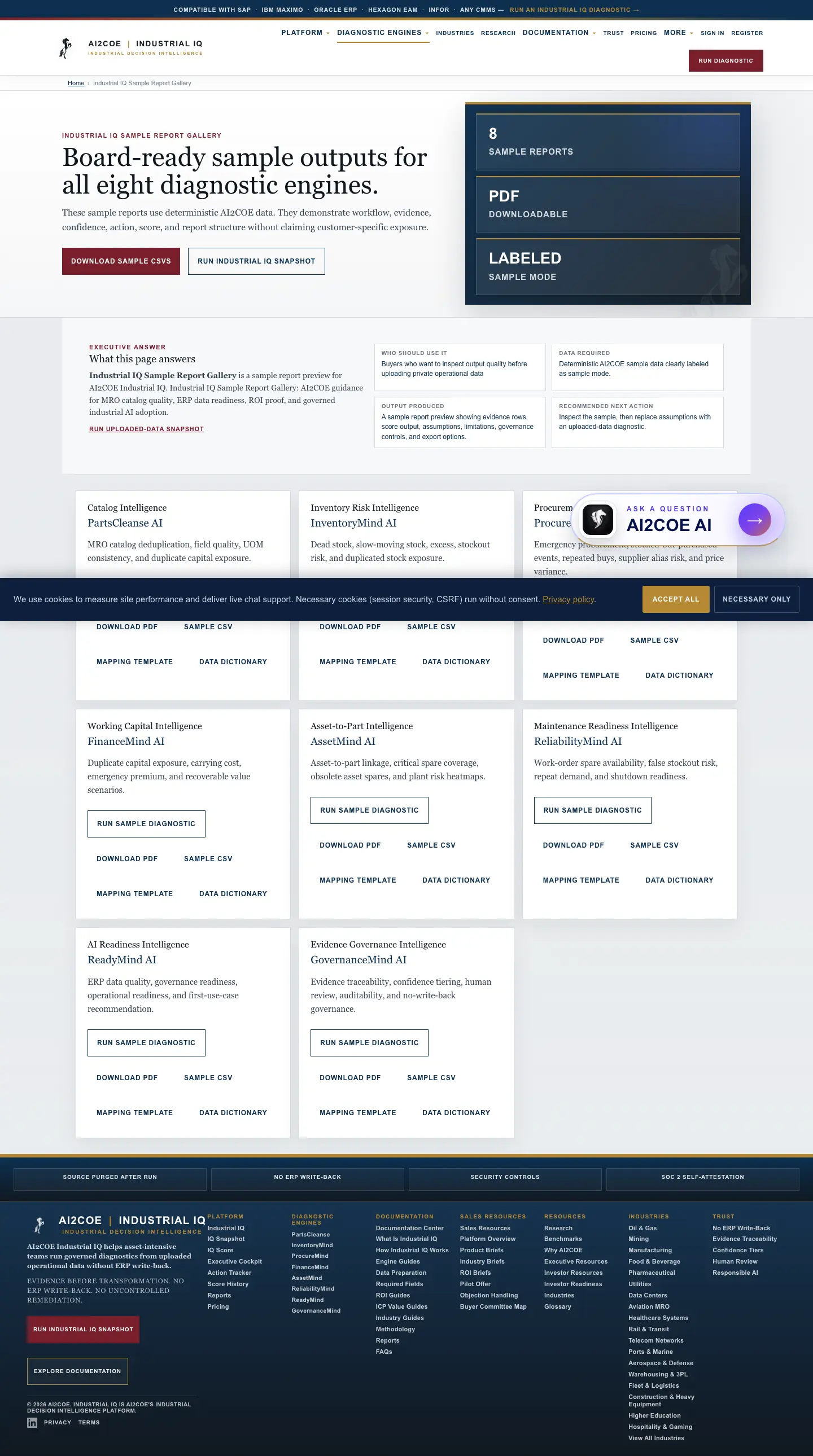
PartsCleanse AI Catalog Diagnostic Report demonstrates score, evidence, confidence, assumptions, limitations, action, and no-write-back framing with synthetic sample data.

Download manual copy Open live sample report
Sample PDF

InventoryMind AI

InventoryMind AI Inventory Risk Report demonstrates score, evidence, confidence, assumptions, limitations, action, and no-write-back framing with synthetic sample data.

Download manual copy Open live sample report
Sample PDF

ProcureMind AI

ProcureMind AI Procurement Leakage Report demonstrates score, evidence, confidence, assumptions, limitations, action, and no-write-back framing with synthetic sample data.

Download manual copy Open live sample report
Sample PDF

FinanceMind AI

FinanceMind AI Working Capital Report demonstrates score, evidence, confidence, assumptions, limitations, action, and no-write-back framing with synthetic sample data.

Download manual copy Open live sample report
Sample PDF

AssetMind AI

AssetMind AI Asset-to-Part Risk Report demonstrates score, evidence, confidence, assumptions, limitations, action, and no-write-back framing with synthetic sample data.

Download manual copy Open live sample report
Sample PDF

ReliabilityMind AI

ReliabilityMind AI Maintenance Readiness Report demonstrates score, evidence, confidence, assumptions, limitations, action, and no-write-back framing with synthetic sample data.

Download manual copy Open live sample report
Sample PDF

ReadyMind AI

ReadyMind AI AI Readiness Report demonstrates score, evidence, confidence, assumptions, limitations, action, and no-write-back framing with synthetic sample data.

Download manual copy Open live sample report
Sample PDF

GovernanceMind AI

GovernanceMind AI Governance Review Report demonstrates score, evidence, confidence, assumptions, limitations, action, and no-write-back framing with synthetic sample data.

Download manual copy Open live sample report
Governance rule

How these screenshots should be taken care of.

Maintain screenshots as versioned release evidence. Refresh them after major UI, navigation, pricing, documentation, or report-flow changes. Do not use customer screenshots externally unless legal, security, and customer approval are recorded.

Public-safePublic pages, synthetic reports, sample datasets, and no private customer data.
Needs approvalCustomer results, customer names, screenshots from authenticated reports, or private data-room material.
Refresh cadenceEvery release that changes navigation, dashboards, reports, upload flow, pricing, or trust language.
Buyer Enablement Validation

Industrial IQ User Manual buyer enablement checklist.

Problem solvedTurns an operational data question into source-backed diagnostic evidence.
Who caresCFO, COO, CIO, procurement, maintenance, reliability, ERP, governance, and board stakeholders where relevant.
Data neededCSV exports with stable IDs, descriptions, quantities, values, dates, site, asset, supplier, and owner context where available.
Output deliveredScores, evidence table, confidence tiers, executive report, action tracker items, score history, and governance status.
Value quantifiedWorking capital, carrying cost, emergency premium, dead stock, stockout risk, readiness gaps, or governance risk depending on diagnostic intent.
Decision supportedWhether to act, review, normalize data, escalate findings, fund remediation, or repeat the diagnostic cadence.
Report shared internallyExecutive, CFO, procurement, inventory, readiness, governance, or renewal value report.
Recurring valueBaseline score -> re-upload -> score movement -> action closure -> benchmark comparison -> renewal value report.
Assumptions and limitationsBenchmarks and estimates remain planning context until customer-specific uploaded data is analyzed and reviewed.
Trust controlsNo ERP write-back, evidence traceability, confidence tiers, human review, false-positive control, audit trail, and data-retention boundaries.
AI2COE Copilot