Works from CSV or workbook exports produced from SAP, IBM Maximo, Oracle ERP, Hexagon EAM, Infor, and other ERP, EAM, or CMMS systems. No direct integration or write-back is required — Review data requirements →
Industrial IQ documentation

SAP Export Guide

SAP Export Guide documentation for AI2COE Industrial IQ buyers, operators, data owners, executives, and governance teams.

8Engines
18Industry guides
0ERP write-back
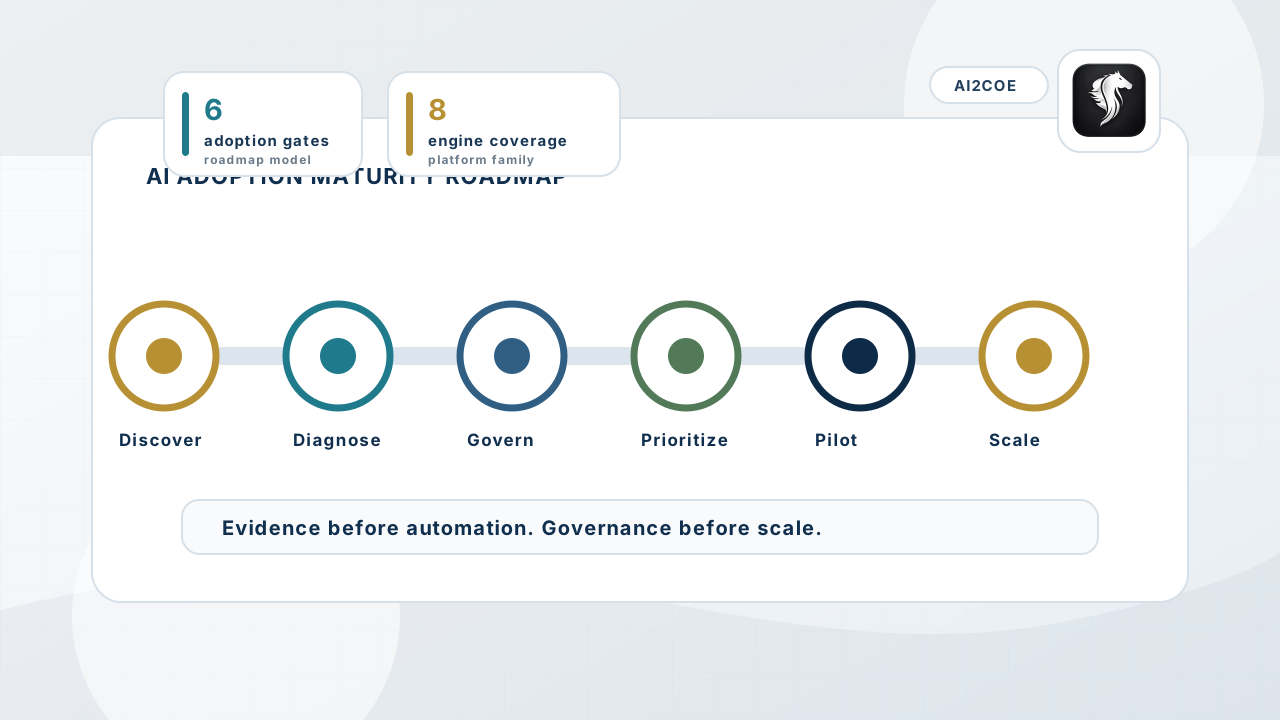
AI adoption maturity roadmap showing discovery, diagnostics, governance, pilot prioritization, and enterprise scaling stages.
Documentation explains how exported data becomes evidence, reports, actions, and recurring score history.
Task overview

SAP Export Guide

Export material master, inventory, purchasing, asset, and work-order CSVs from SAP for Industrial IQ diagnostics.

This guide explains the operating task, source data needed, validation steps, output interpretation, trust boundary, and where to go next.

UploadCSV export or sample dataset
Source FitRequired fields and data quality
AI MatchColumn aliases and confidence
NormalizeCanonical field preparation
DiagnoseEngine logic and evidence
ReportScore, actions, assumptions
RepeatScore history and renewal value
Required data by engine

Use this table before upload.

EngineRequired Data FileRequired FieldsOptional FieldsOutput GeneratedMinimum Viable UploadEngine-Specific Context
ReliabilityMind AI Work-order export Work Order, Description Material Id, Asset Id, Quantity, Stock On Hand, Priority, Planned Shutdown, Failure Code, Site Maintenance readiness score, evidence, report, actions, score history Work Order, Description Material Id, Asset Id, Quantity, Stock On Hand, Priority, Planned Shutdown, Failure Code, Site
Accepted CSV format

Prepare clean exports before upload.

Use UTF-8 CSV with one header row, one operational record per row, stable identifiers, ISO-style dates where available, numeric values without currency symbols, and separate columns for site, supplier, asset, quantity, value, and owner context.

Common errors: merged header rows, hidden subtotal rows, mixed currencies in one value column, duplicate column names, free-text dates, missing material or asset identifiers, and supplier names embedded inside descriptions.

If fields are missing: Industrial IQ still profiles source fit, but unmapped required fields reduce the AI Match Score, Mapping Readiness Score, diagnostic confidence, and report completeness until the user normalizes the data.

Sample row examples

Minimum viable row patterns.

  • Maintenance Readiness Intelligence: Work Order: WORK_ORDER | Description: 6205-2RS bearing sealed SKF
Related engines

Which diagnostic should the buyer run next?

Related engine

ReliabilityMind AI

Work-order spare availability, false stockout risk, repeat demand, and shutdown readiness.

Open documentation
Report anatomy

What the buyer can share internally.

Industrial IQ reports include scope, source-fit score, AI match score, mapping readiness, diagnostic confidence, score components, evidence records, assumptions, limitations, review requirements, action items, and recurring score history.

SAP Export GuideValue lever
Uploaded dataCustomer-specific diagnostic required
ReliabilityMind AIRelated diagnostic engine
EstimateAssumption-labeled until reviewed
Benchmark assumptionUploaded evidenceConfidence tierHuman reviewReportable value
Documentation context

Use the docs to move from source export to reviewed diagnostic evidence.

Each guide keeps Industrial IQ documentation tied to source preparation, validation, evidence review, and Trust controls.

Docs home
AI2COE Copilot